FlareOps
Your Cloudflare accounts. One desktop app.
I designed and built FlareOps to bring everyday Cloudflare management into a desktop app. It puts Workers, Pages, DNS, domains and cron schedules in one workspace, with named account profiles and a review step before making changes.
Download the macOS beta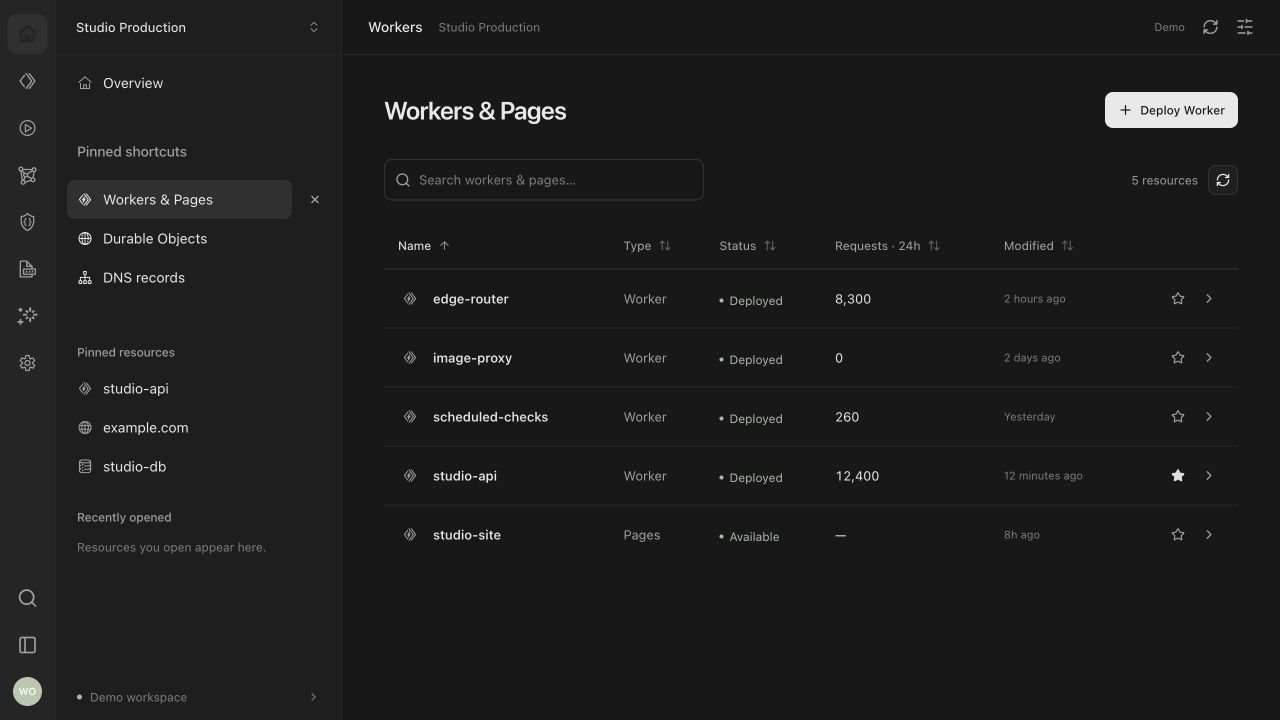
A desktop view of Cloudflare
The work I wanted to simplify was ordinary: find a Worker, check its traffic, update a domain, or see whether a scheduled job ran. Those tasks become harder to keep track of when they span several accounts. FlareOps keeps resource lists and account context close together, with search, sorting and pinned resources for things I return to often.
Keep the account with the action
Each connection uses a named Cloudflare login profile. Commands retain the account they were prepared for, and changes go through a review step. The native backend checks account identity before mutations and verifies zone ownership where relevant. Execution results appear in Activity so there is a record to inspect afterward.
Profiles help keep work organised, but they run under the same operating system user. They are not separate security sandboxes.
Domains beside the apps they serve
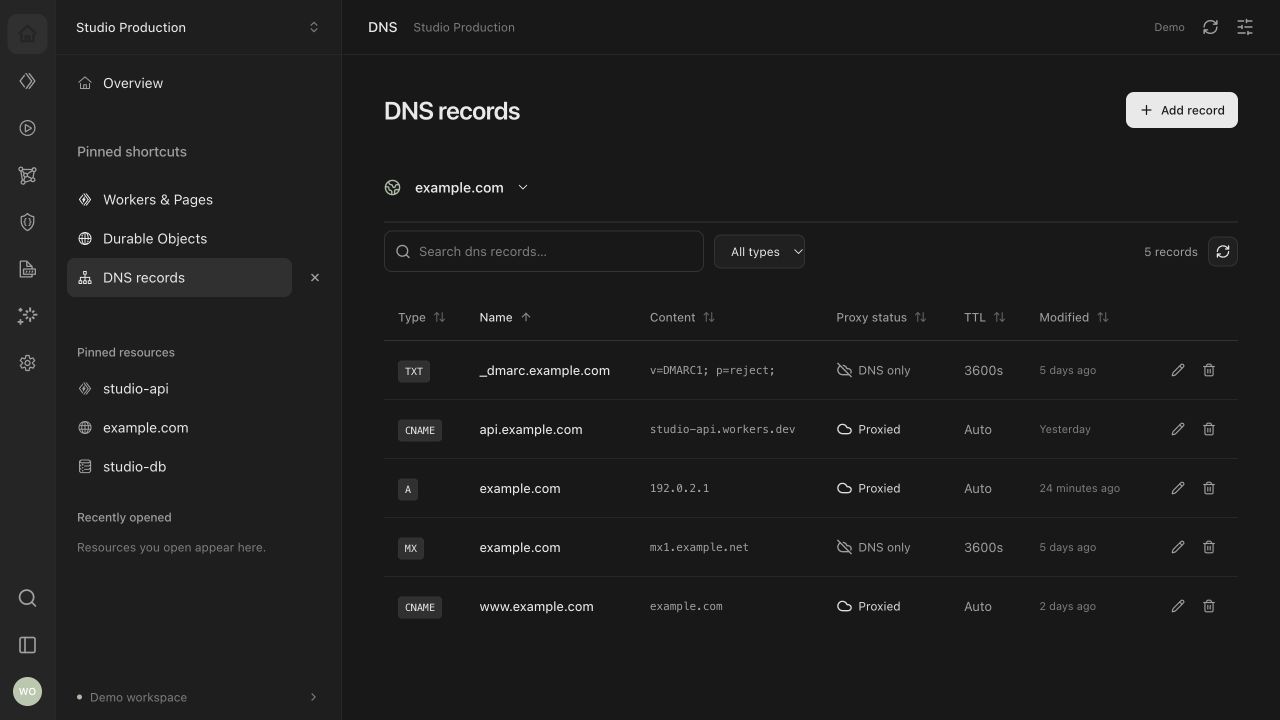
Worker settings and custom domains live alongside the resource. A domain can point at a deployed Worker such as api-production or api-staging. Pages domains can target production or a deployed preview branch alias; a new domain needs to activate on production first.
Make schedules readable
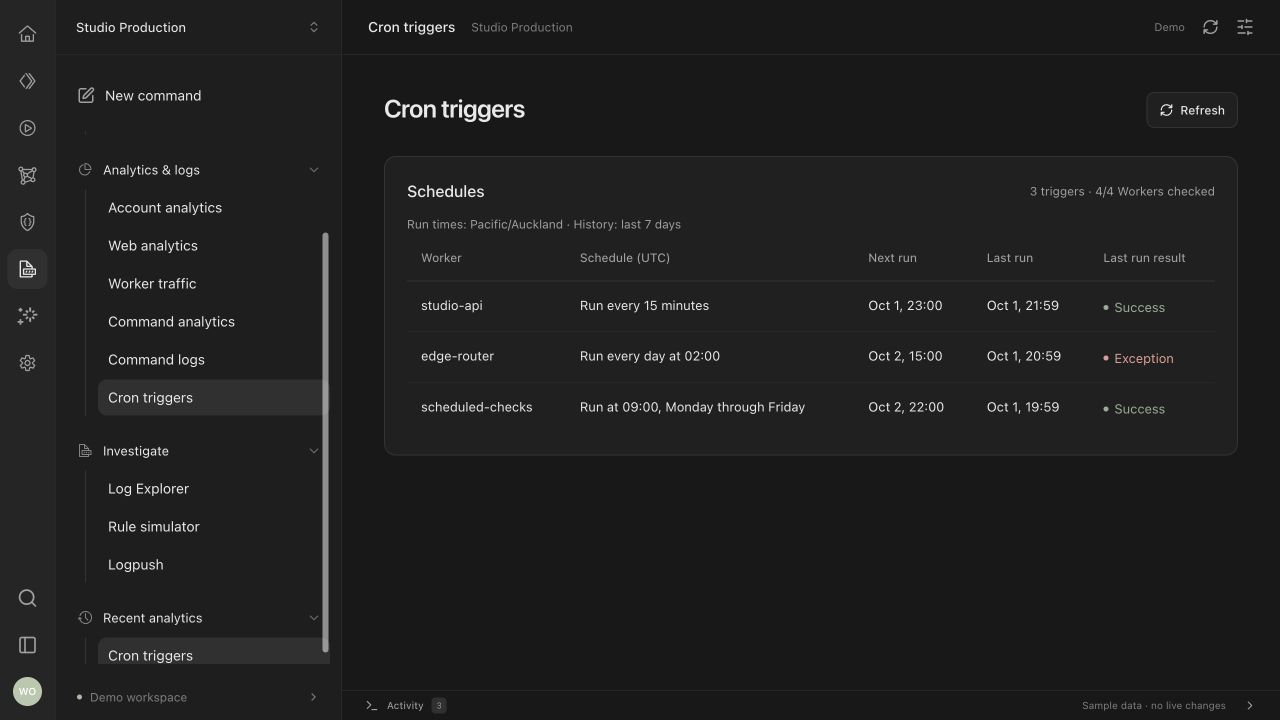
Cron triggers have their own view across the account’s Workers. Each expression is translated into plain English, with the next estimated run, the last recorded run and its result. Schedules follow UTC while run times are displayed in the local timezone. Missing history stays distinct from a successful run.
Built around the official CLI
Packaged builds include Cloudflare’s cf CLI and its Node runtime. The Rust backend launches the bundled process, while the React interface handles resource views and command review. Credentials remain in cf’s profile storage. Command forms use the CLI’s schemas, with targeted API support for Worker settings and domains that the bundled CLI does not expose.
Current beta
The macOS Apple Silicon beta is available to download. Version 0.1.0-beta.1 includes the Cloudflare CLI and Node runtime, so there is no separate installation step. This release is unsigned and unnotarized; macOS may block its first launch. Windows, Linux and Intel Mac installers are not included in this release.
Download the beta and checksums · View the source on GitHub
I tested the packaged app locally on Apple Silicon, with 174 automated tests passing. The screenshots use the app’s demo workspace with sample data. FlareOps is open source under the MIT license.